Mini Translator
Mini Translator version 6.0. Tool translates EDI X12 files into CSV.
Download Windows Installer
Free to use, no trial, Windows: 10 or 11, Server 2022, 2025. Unzip then run installer.
Download Apple macOS app
Free to use, no trial, Apple Silicon, macOS: Tahoe, Sequoia. Unzip then drag "Mini Translator.app" into Applications. macOS Details
Download Linux deb package
Free to use, no trial, Linux: Debian, Ubuntu. Unzip then run deb installer.
Key Features
- EDI Document Parsing
Parses raw EDI X12 4010, 5010, 6010, 7010, 8010 and all in-between files against X12 standards definitions, extracting segments and elements into a structured hierarchy. - Tree-Based Segment Visualization
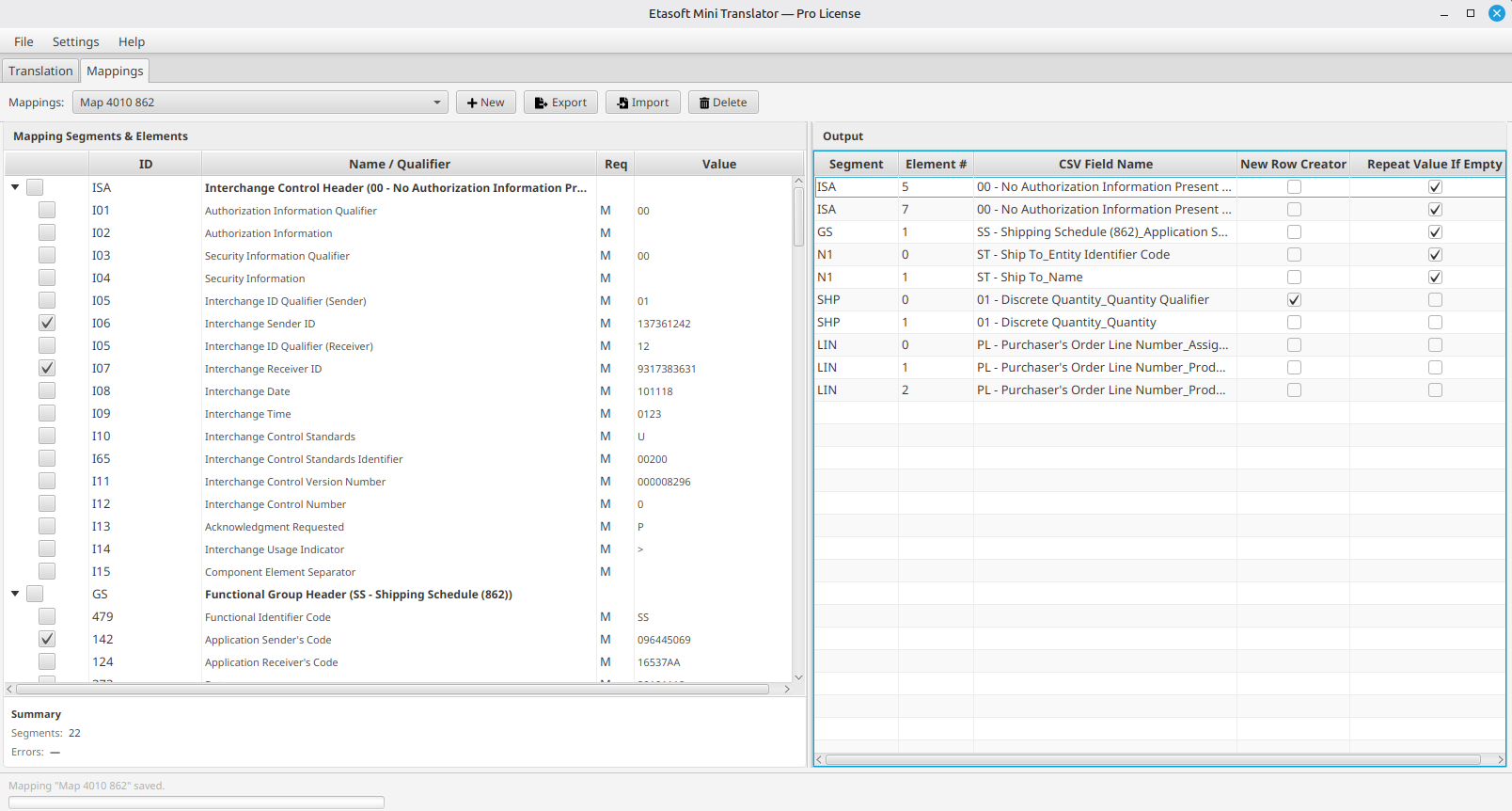
Displays parsed EDI structure in a collapsible tree table showing segments, elements, and subelements with their IDs, names, requirements, and values. - CSV Field Mapping
Lets users define output field mappings to map EDI elements to CSV column headers, supporting custom field names for each mapped element. - Named Save Sets (Mappings)
Stores mapping configurations as named "save sets" in a YAML file, allowing users to reuse and reload mapping definitions across translations. - Translation History Tracking
Maintains a searchable history of previous translations with timestamps, source file paths, and mapping names for quick recall. - CSV Export (with limits)
Exports mapped EDI data to CSV files; Basic license exports are capped at 50 rows while Pro has no such restriction. - Import/Export Mappings
Allows exporting mapping configurations to share between users and importing mappings from external YAML files. - Undo All Changes
Restores the entire mapping state to its last saved condition, including output table items and segment selections. - Segment-Level Filtering
Users can selectively include/exclude segments via checkboxes in the tree, controlling which data gets processed into output mappings.
Apple macOS Details
Having "Mini Translator.app" in Applications may not be enough. Apple will quarantine the package. You can mark package as safe using few different methods.
One of the options is to use terminal command to remove quarantine attribute. Run xattr command in terminal from your home directory to enable the application.
xattr -dr com.apple.quarantine "/Applications/Mini Translator.app"
It is important to run command from your home directory.